Access point planning and placement
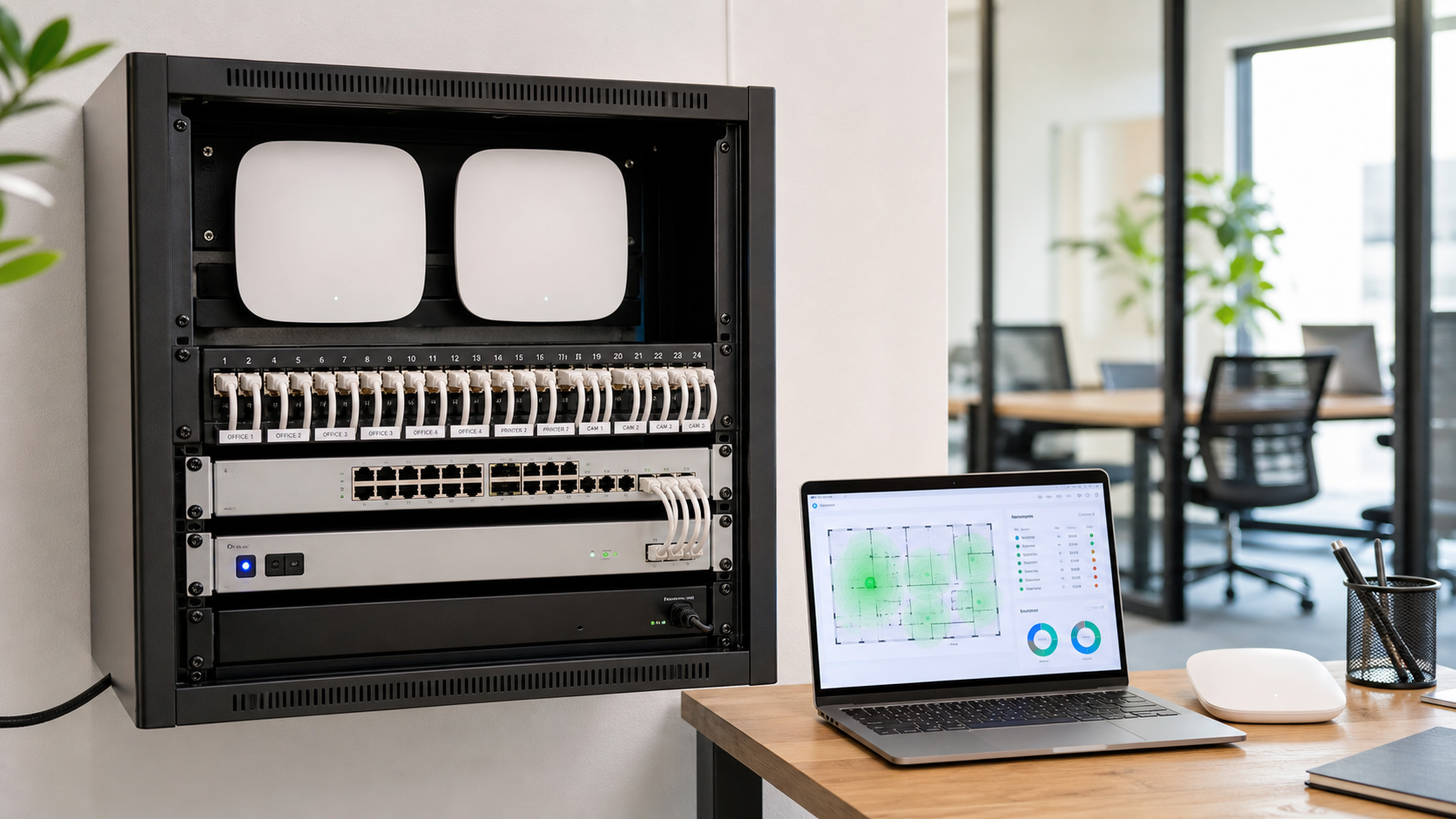
Review coverage goals, wall and ceiling placement, device density, roaming needs, and SSID structure before access points are installed.
Send Message
Networking Services
Plan, configure, and document UniFi access points, switches, gateways, VLANs, guest Wi-Fi, and controller handoff so the network is easier to support after installation.
Practical UniFi Planning
UniFi can simplify network management when the site is planned carefully. We connect access point placement, PoE switching, gateway settings, VLANs, guest access, alerting, and documentation into one clear deployment path.
Services
Each piece of the deployment is tied to real support needs: device names, port roles, controller access, VLAN intent, alert ownership, and managed IT next steps.
Review coverage goals, wall and ceiling placement, device density, roaming needs, and SSID structure before access points are installed.
Send MessagePlan PoE budgets, uplinks, patching, switch roles, rack layout, and port notes so the wired side supports the Wi-Fi design.
Send MessageCoordinate UniFi gateway, Cloud Key, self-hosted controller, or cloud-managed handoff with admin access and support ownership documented.
Send MessageSeparate staff, guest, voice, camera, and device traffic where appropriate, with firewall rules and access expectations written down.
Send MessageConfigure useful alerts, update expectations, controller visibility, and escalation notes so support teams know what needs attention.
Send MessageLeave diagrams, device names, IP ranges, credentials expectations, backup notes, and vendor details ready for future troubleshooting.
Send MessageImplementation Review
Send the site details, current pain points, and any existing UniFi controller notes. We can help organize the next discovery steps and the support handoff.
Confidence
UniFi deployments work best when the controller, gateway, switches, Wi-Fi, and documentation are treated as one managed environment.
UniFi work is easier to support when controller access, device roles, alerts, backups, and ownership are defined before the handoff.
VLANs, guest Wi-Fi, camera networks, and device access are planned around real business workflows instead of one flat network for everything.
The outcome includes practical records for access points, switches, gateways, IP ranges, port notes, SSIDs, and escalation paths.
Use Cases
Support staff devices, visitors, printers, phones, cameras, and conference rooms with a UniFi layout that is easier to explain and maintain.
Standardize controller notes, naming, alerts, VLANs, and device records across locations so support has the same map everywhere.
Use UniFi documentation during office moves, equipment refreshes, controller migrations, ISP changes, and inherited-site cleanup.
FAQ
It can include access point planning, switch and PoE review, gateway configuration, controller or Cloud Key handoff, VLANs, guest Wi-Fi, alerts, documentation, and support coordination.
Yes. We can help plan and configure UniFi access points, switches, uplinks, PoE needs, SSIDs, switch ports, and related documentation.
Yes. Guest Wi-Fi and VLAN planning can be included so visitors, staff, cameras, phones, and other device groups have clearer access boundaries.
Yes. We can document controller location, admin access expectations, backup notes, alerts, update approach, and the managed IT handoff path.
Yes. We can review an existing UniFi environment and document devices, IP ranges, SSIDs, VLANs, switch ports, gateway details, and support notes.
Yes. UniFi network work can be connected to managed IT support so alerts, changes, documentation, and escalation paths are easier to maintain.
Start the Conversation
Share the number of locations, access points, switches, gateway model, controller location, guest Wi-Fi needs, VLAN goals, and any documentation gaps you already know about.