LAN planning and cleanup
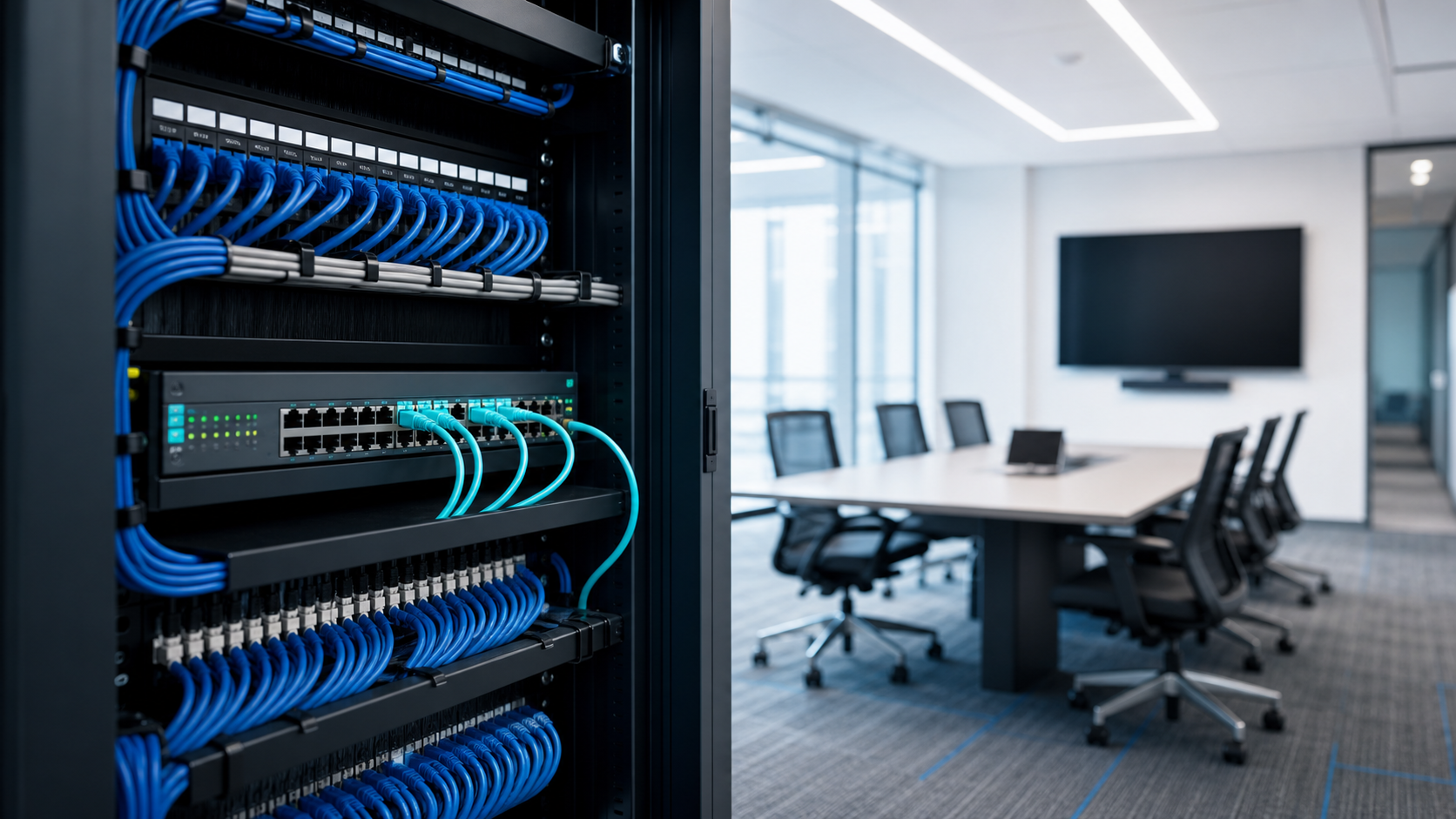
Review local network structure, switching, cabling handoffs, VLAN needs, printer/device access, and the documentation needed to support the office.

LAN/WAN Setup and Management
System Connected helps San Diego businesses plan, configure, document, and support local and wide-area networks so offices, branches, devices, and vendors stay easier to manage.
Network Foundations
Business networks often grow through office moves, new vendors, equipment refreshes, internet changes, Wi-Fi expansion, and remote access requests. We help bring those pieces into a clearer LAN/WAN support plan.
Our work can include switching, routing, segmentation, VPN and carrier coordination, network documentation, and practical recommendations for the parts of the environment that affect daily connectivity.
Services
Focused support for the devices, links, routing, documentation, and vendor details that keep business networks understandable and easier to troubleshoot.
Review local network structure, switching, cabling handoffs, VLAN needs, printer/device access, and the documentation needed to support the office.
Configure switches, routers, gateways, and routing expectations so internal traffic and internet access have a clearer support path.
Plan site-to-site connectivity, VPN expectations, carrier handoffs, branch access, and failover notes for connected locations.
Connect LAN/WAN setup with firewall rules, secure remote access, guest access, and least-privilege network separation where appropriate.
Look for bottlenecks, unstable links, aging equipment, unclear ownership, and practical changes that can reduce repeat network friction.
Document equipment, uplinks, IP ranges, carrier details, admin access, escalation notes, and support owners so future work starts with context.
Practical Network Review
Send us a message if you need help reviewing switching, routing, site connectivity, vendor handoffs, network documentation, or an upcoming LAN/WAN change.
Send MessageNetwork Confidence
Reliable network support depends on more than equipment. The right plan connects configuration, documentation, vendors, security expectations, and support paths.
LAN/WAN work is tied to diagrams, device lists, vendor notes, and support ownership so the environment is easier to understand after setup.
We focus on the pieces that affect daily operations: switching, routing, firewall handoff, internet access, remote connectivity, and change timing.
The outcome is not just connected equipment. It is a cleaner support record for troubleshooting, upgrades, vendor calls, and future expansion.
Usual Help Areas
Network support is most useful when the physical office, cloud access, internet service, security controls, and remote locations all have a clearer handoff.
Support employees, printers, phones, Wi-Fi, shared systems, and branch access with a cleaner network foundation.
Coordinate VPNs, site links, firewall handoff, carrier details, and access expectations across locations.
Plan equipment replacement, internet changes, segmentation updates, and documentation cleanup with less disruption.
FAQ
Answers to common questions about local networks, wide-area connectivity, multi-site support, and network documentation.
A LAN connects devices inside one location, such as an office. A WAN connects locations, remote users, or external network paths across a wider area.
Yes. We can review current equipment, switching, routing, firewall handoffs, carrier details, documentation, and recurring network issues before recommending changes.
Yes. We help plan and support branch connectivity, VPNs, site-to-site access, internet handoffs, and the documentation needed to troubleshoot connected locations.
Yes. LAN/WAN planning can include segmentation, firewall coordination, guest access, VPN expectations, and secure access notes when those items are part of the business need.
Yes. We can help document devices, uplinks, IP ranges, carrier accounts, admin access notes, diagrams, and escalation paths.
Yes. We can help organize carrier handoffs, equipment details, support tickets, and vendor ownership so network changes are easier to manage.
Next Step
Use the contact form and tell us what you are trying to solve: office connectivity, branch links, equipment changes, vendor handoff, documentation, or recurring network issues.