Remote access VPN setup
Set up secure remote access for employees, leadership, and approved vendors so office resources stay reachable without exposing the network more broadly than necessary.

System Connected helps San Diego businesses plan and support VPN access for remote teams, site-to-site tunnels, MFA-aligned login flows, firewall routing handoff, and documentation that makes the environment easier to manage after rollout.
Business VPNs usually sit in the middle of several moving parts: firewalls, internet providers, identity tools, remote laptops, office subnets, and line-of-business systems that employees or branch teams need to reach.
We help bring those pieces into a cleaner plan so remote access is easier to support, site links are easier to document, and changes like MFA rollout or firewall replacement do not break access unexpectedly.
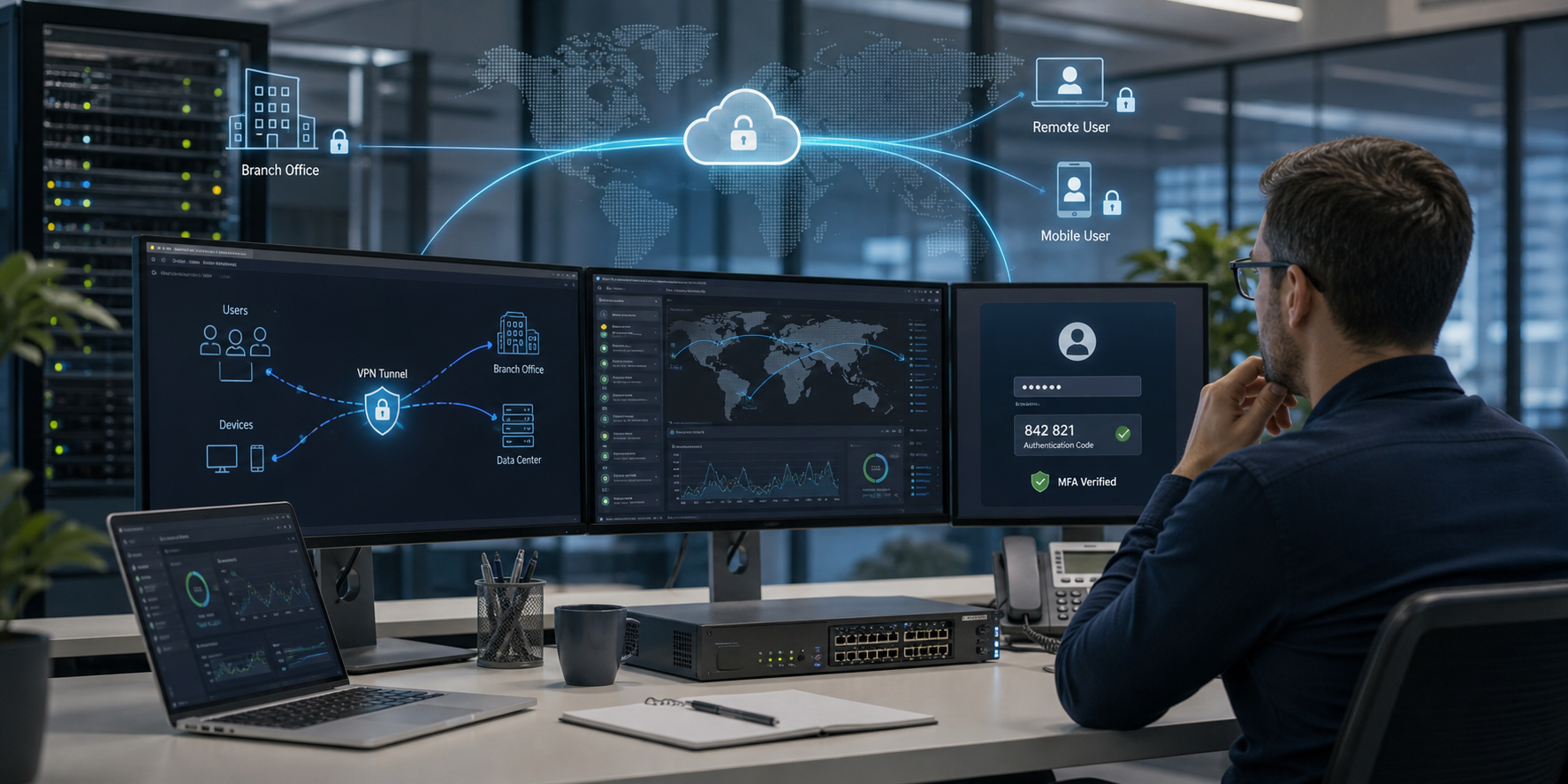
Practical support for the access rules, firewall coordination, user controls, and documentation that keep business VPNs understandable after setup.
Set up secure remote access for employees, leadership, and approved vendors so office resources stay reachable without exposing the network more broadly than necessary.
Connect branch offices, warehouses, field locations, or partner environments with clearer tunnel ownership, routing expectations, and documented handoffs.
Pair VPN access with multi-factor authentication, user groups, and device access rules so remote connectivity follows the same security expectations as the rest of the environment.
Coordinate VPN work with firewall policies, DNS, VLANs, routing rules, internet providers, and existing edge equipment so tunnel changes do not create side effects elsewhere.
Document tunnels, peer details, subnet mapping, admin ownership, shared secrets, access rules, and support notes so future troubleshooting starts with context.
Fit VPN support into broader managed IT, compliance, and security workflows when remote access affects laptops, identity tools, cloud apps, or audit requirements.
Use System Connected to look at secure tunnel ownership, user/device access, routing impact, and documentation before a VPN issue turns into a wider network disruption.
Send MessageGood VPN work is not just getting a tunnel online. It should reduce guesswork around access, firewall dependencies, user setup, and future troubleshooting when changes hit the environment.
VPN support should make it clear who can connect, from which devices, through which controls, and what business systems are reachable once the tunnel is live.
A good VPN plan accounts for firewall rules, subnet overlap, internet handoff, and application behavior before remote users or site links start failing in inconsistent ways.
The result should be easier to support after rollout, with cleaner tunnel records, escalation notes, and decision history for future changes or audits.
VPN support is most useful when remote staff, branch operations, cloud access, and security expectations need a cleaner connection point with the rest of the business network.
Give staff a cleaner way to reach file shares, line-of-business apps, and internal systems when work is split between the office, home, and travel.
Support branch offices, warehouses, and shared locations that need consistent site connectivity, firewall coordination, and practical tunnel documentation.
Review VPN dependencies before firewall replacements, ISP changes, MFA rollouts, cloud migrations, or access-policy updates interrupt staff or partners.
Answers to common questions about business VPN setup, remote access, site connectivity, MFA alignment, and documentation.
A business VPN encrypts traffic between approved users, devices, or locations and your network resources. It is commonly used for remote access, site-to-site connectivity, and controlled access to internal systems.
Yes. VPN work can include remote user access, branch-office tunnels, partner connectivity, and the routing and firewall coordination needed to support each scenario.
They often should. Multi-factor authentication, identity controls, and device access rules help keep VPN access aligned with the rest of the business security plan.
Yes. We can coordinate with firewall administrators, managed security partners, ISPs, and other vendors when the VPN setup depends on routing changes, public IP details, or edge-device updates.
Yes. We can review existing tunnels, remote-access methods, subnet overlap, stale accounts, unclear ownership, and documentation gaps before recommending practical cleanup steps.
That is part of the goal. We can document VPN peers, access groups, tunnel purpose, firewall dependencies, support notes, and next-step recommendations so future work is easier to manage.
Use the form to outline remote-access friction, site tunnel changes, MFA dependencies, firewall updates, or documentation gaps so the next step is grounded in the actual environment.