Voice and phone system support
Plan business calling around users, numbers, desk phones, headsets, voicemail, vendors, and support ownership.
Send Message
System Connected helps businesses organize voice, video, messaging, meeting rooms, vendors, security settings, and support handoff into a communication stack that is easier to run.
Send MessageModern business communication is more than one app or one phone provider. Staff rely on calls, meetings, chat, calendars, devices, room hardware, customer workflows, and vendor support every day.
We help organize those moving parts so users know how to communicate, administrators know what they own, and support teams have clearer records when issues come up.
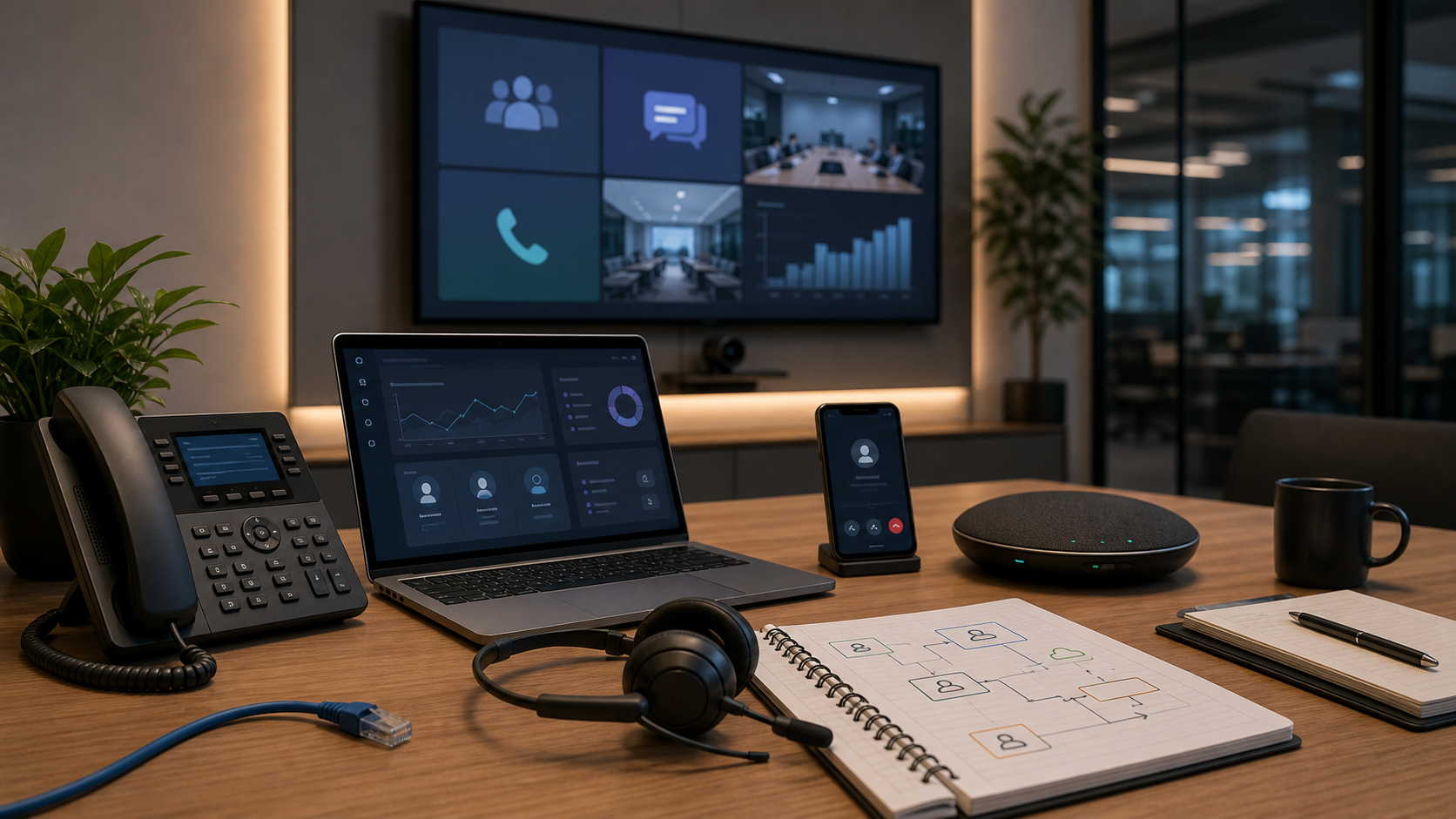
Practical support for the voice, video, messaging, meeting, contact-center, security, and documentation details that shape how teams communicate.
Plan business calling around users, numbers, desk phones, headsets, voicemail, vendors, and support ownership.
Send MessageMap call queues, auto attendants, carrier handoffs, direct routing, and number ownership before daily calling depends on them.
Send MessageReview conference rooms, cameras, microphones, displays, calendars, and meeting platforms for smoother hybrid collaboration.
Send MessageAlign Teams, Google Chat, Slack, shared channels, guest access, and practical communication rules around how staff work.
Send MessageCoordinate customer-facing call routing, shared inboxes, response paths, escalation notes, and CRM-adjacent communication needs.
Send MessageReview admin roles, MFA expectations, external access, retention notes, vendor contacts, and support documentation.
Send MessageSend a message and we can review your current platforms, phone setup, rooms, vendors, security settings, support gaps, and the workflows that need clearer ownership.
Send MessageThe right communication plan clarifies platforms, users, vendors, devices, security settings, and support records before daily work depends on them.
Voice, video, messaging, meetings, devices, vendors, and support records are reviewed as one practical business system.
Communication tools are organized around staff workflows so users know where to call, meet, message, and escalate issues.
The outcome is clearer ownership for numbers, rooms, devices, platforms, vendors, security settings, and recurring support needs.
Communication support is useful when tools are fragmented, hybrid meetings are inconsistent, or customer-facing workflows need clearer ownership.
Bring phone, video, chat, calendars, rooms, and vendor support into a clearer operating model.
Coordinate meeting spaces, devices, calendars, guests, and support expectations for remote and in-office staff.
Clarify call routing, shared support channels, escalation notes, and ownership for client-facing teams.
They can include business phone systems, VoIP, Teams Phone, video meetings, room devices, chat platforms, contact-center workflows, security settings, and support documentation.
Yes. We can help review numbers, call flows, desk phones, headsets, carrier options, Teams Phone settings, and practical support handoff.
Yes. We can help coordinate cameras, microphones, displays, calendars, room devices, network readiness, and user guidance for meeting spaces.
Yes. We can review how Microsoft Teams, Google Meet, Zoom, chat tools, phone systems, and vendor support fit together for daily work.
We can review admin access, MFA expectations, guest access, retention notes, external sharing, vendor permissions, and practical security settings.
Send a message with the current phone, meeting, chat, room, vendor, user, and support issues you want to clean up. We can outline the discovery steps.
Use the contact form to share what teams use today and where calls, meetings, chat, rooms, or vendor handoffs are creating friction.