Gmail and calendar migration planning
Plan mailboxes, aliases, groups, calendars, forwarding, retention needs, and cutover timing so users know what changes and when.
Send Message
System Connected helps businesses plan and execute practical Google Workspace migrations across email, calendars, files, users, domains, security settings, and post-migration support.
Send MessageMoving into Google Workspace affects more than mailboxes. Calendars, groups, shared drives, aliases, admin roles, DNS, devices, and user communication all need a clear migration path.
We focus on the details that reduce confusion: what moves, who owns it, when mail flow changes, how users sign in, which files need attention, and what support needs after cutover.
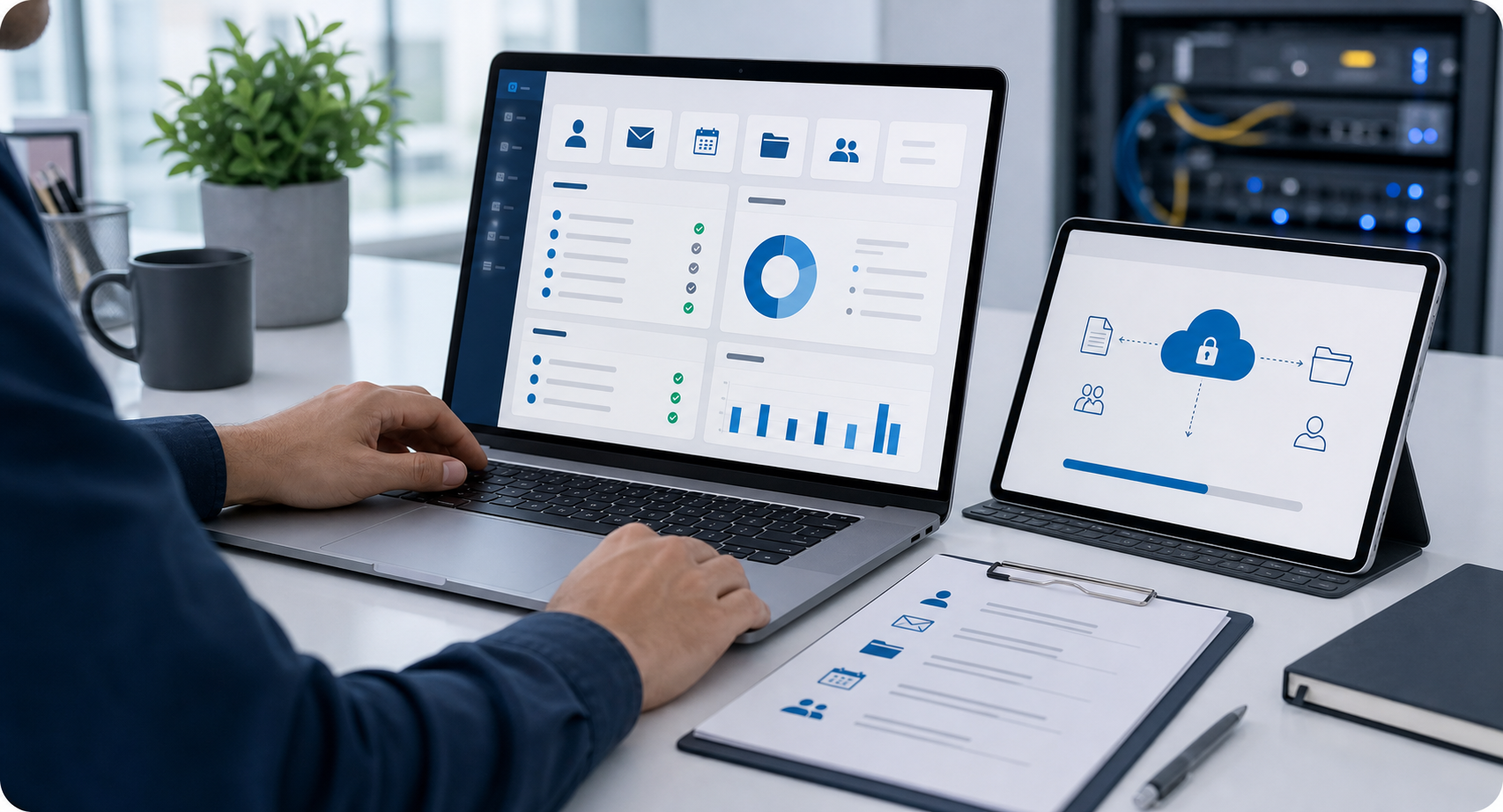
Planning and implementation support for the email, file, identity, admin, and cutover details that make a migration easier to adopt and support.
Plan mailboxes, aliases, groups, calendars, forwarding, retention needs, and cutover timing so users know what changes and when.
Send MessageReview accounts, roles, shared access, admin permissions, and sign-in expectations before users are moved into the new Workspace environment.
Send MessageMap files, shared drives, ownership, permissions, and cleanup decisions so documents remain findable after migration.
Send MessageCoordinate MFA, password policy, SSO expectations, device access, admin roles, and recovery paths with the migration plan.
Send MessageSequence DNS, mail flow, calendar handoff, training notes, and support windows around the business schedule.
Send MessageConfirm mail flow, data access, permissions, groups, device sign-ins, and support records after the move is complete.
Send MessageShare the current platform, domain details, user count, file locations, timeline, and known pain points. We can help outline the discovery and migration sequence.
Send MessageThe right migration plan clarifies ownership, access, cutover timing, security expectations, and the support path after users start working in Workspace.
Migration work is organized around mail flow, users, files, DNS, communication, and validation instead of a last-minute switch.
Shared drives, groups, admin roles, and user access are reviewed so the new Workspace environment is easier to support.
The project leaves practical notes for accounts, domains, aliases, groups, file ownership, DNS, and post-migration issues.
Workspace migration support is useful when a business is changing platforms, cleaning up inherited accounts, consolidating domains, or trying to make collaboration easier to manage.
Move email, calendars, files, groups, and users into Google Workspace with clearer timing, ownership, and support expectations.
Coordinate Workspace migration with SSO, MFA, devices, SaaS tools, vendor portals, and cloud collaboration workflows.
Use a migration plan for domain changes, tenant cleanup, inherited accounts, shared-drive restructuring, and business transitions.
It can include migration discovery, user and group planning, Gmail and calendar migration, Drive and shared-drive planning, DNS coordination, security review, cutover support, validation, and documentation.
Yes. We can help plan mailbox, alias, group, calendar, and mail-flow migration steps so the cutover is coordinated with users and business timing.
Yes. File migration planning can include ownership, permissions, shared drives, folder structure, cleanup decisions, and post-migration access checks.
We can help coordinate DNS, mail routing, domain records, and cutover sequencing so the technical changes are connected to the user communication plan.
Yes. We can review MFA, SSO expectations, admin roles, password policies, recovery paths, and device access as part of migration readiness.
Send a message with the current email platform, domain details, user count, file locations, timelines, and known pain points. We can then outline the discovery steps.
Use the contact form to share what needs to move, what platform you are leaving, and where users need the most guidance.